MyWeek0.1.7
Continue to app
Free Version
Publisher Description


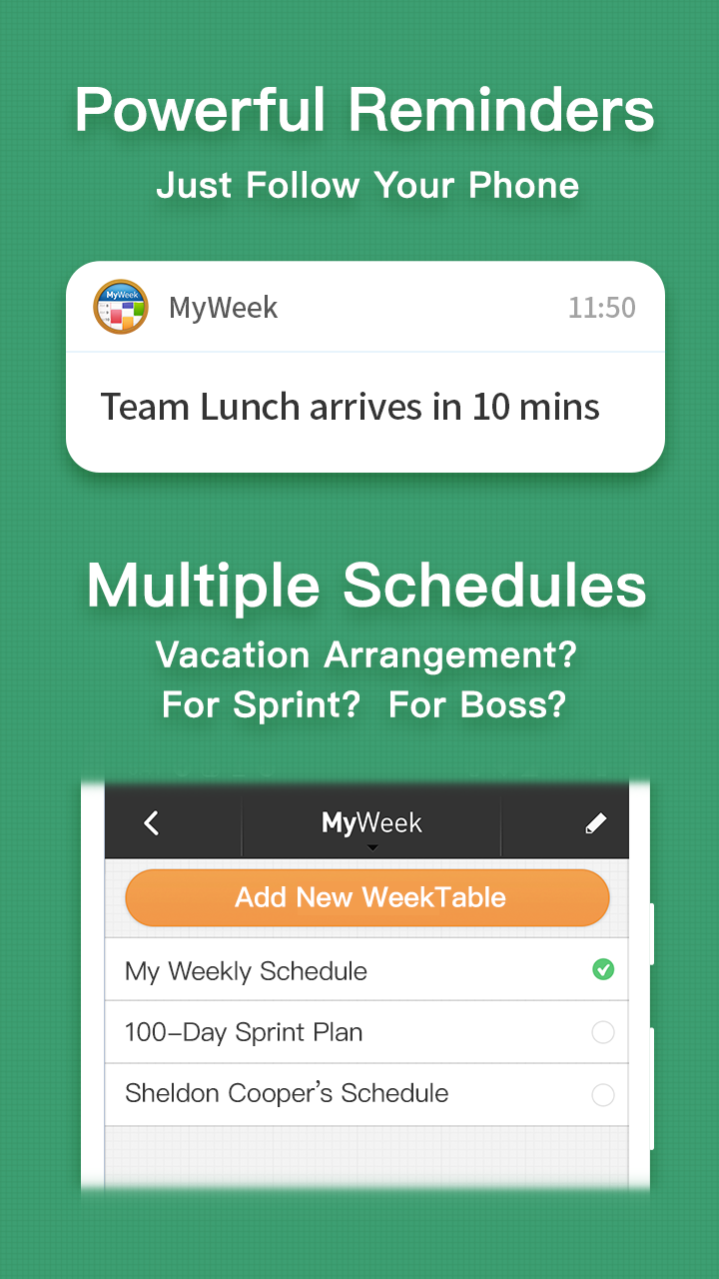


"MyWeek" is a sophisticated app that helps you plan your weekly schedule. Watch Rick & Morty every Friday night? Movies on Tuesday? Go out to see the exhibition on Saturday morning? Play Warcraft III Remake Sunday? It's as simple and convenient as your most familiar schedule.
= Special Features =
1. Weekly Plan: Simple and intuitive bi-weekly view
2. Event Reminder: Meeting with customers? Buying a birthday present? Credit card? Countdown memos at a glance
3. Powerful Notifications: Daily reminders, reminders for each event
4. Multiple Plans: Vacation arrangement? Girlfriend schedule?
5. Desktop Widget: Easy access to recent events
6. Password protection: Protects your privacy
About MyWeek
MyWeek is a free app for Huawei published in the Office Suites & Tools list of apps, part of Business.
The company that develops MyWeek is 每日科技(上海)股份有限公司. The latest version released by its developer is 0.1.7.
To install MyWeek on your Huawei device, just click the green Continue To App button above to start the installation process. The app is listed on our website since 2023-05-18 and was downloaded 3 times. We have already checked if the download link is safe, however for your own protection we recommend that you scan the downloaded app with your antivirus. Your antivirus may detect the MyWeek as malware as malware if the download link to C101718807 is broken.
How to install MyWeek on your Huawei device:
- Click on the Continue To App button on our website. This will redirect you to Huawei Store.
- Once the MyWeek is shown in the Huawei Store listing of your Huawei device, you can start its download and installation. Tap on the Install button located below the search bar and to the right of the app icon.
- A pop-up window with the permissions required by MyWeek will be shown. Click on Accept to continue the process.
- MyWeek will be downloaded onto your device, displaying a progress. Once the download completes, the installation will start and you'll get a notification after the installation is finished.
Program Details
System requirements
Operating systems
Huawei
Download information
File size
20.2 MB
Total downloads
3
Pricing
License model
Free
Price
Version History
Here you can find the changelog of MyWeek since it was posted on our website on 2023-06-19. The latest version is 0.1.7 and it was updated on Soft112 on 13 October, 2026. See below the changes in each version:
